



Protect all your images with watermarks
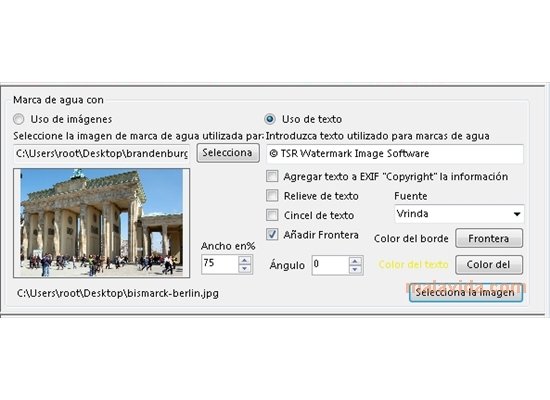
Watermark Image is a simple and useful tool that will help us to protect the images that we upload to the Internet, so as to leave it clear who the author is and to make sure that they aren't used illegally. For this purpose, it creates a watermark on the image, in which we'll be able to place a text or an image/logo.
Mark your images with this useful tool, and avoid other people from making use of them
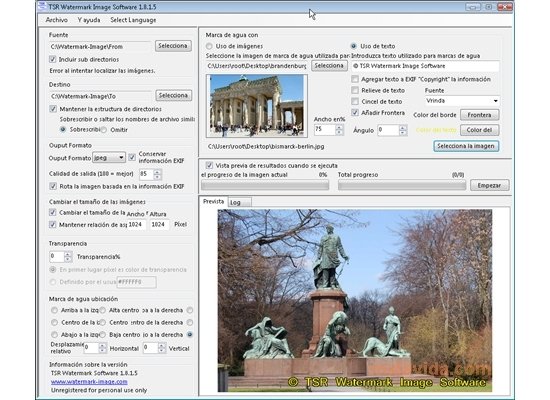
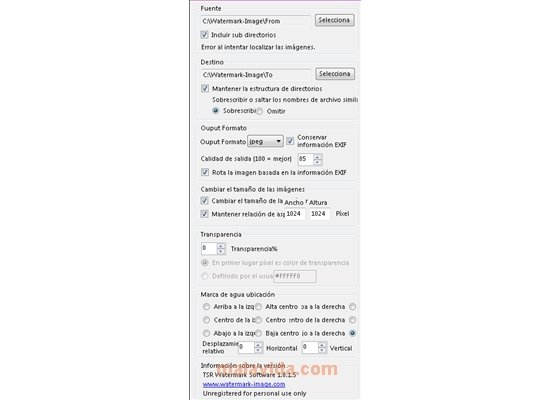
How it works is very simple: we only have to choose the folder where the images that we want to mark can be found, and the destination folder in which to store them. While we do so we'll be able to choose the output format: JPEG, PNG, TIFF, BMP or GIF. We choose the transparency with which the watermark will be seen and where we want to place it on the image. We can see the result of the actions that we are taking by means of the preview window that is included in the program. And after choosing the language or the image that appears, TSR Watermark Image Software creates the new images with their watermark.
As well as its main function, we'll also be able to use the program to change the size of the images, by inputting the new size.
 Leticia Sorivella
My name is Leticia. I really like movies, television, and music. That is why I studied Audiovisual Communication. In the beginning, I wanted to work in movies, but I ended up on television. Then, I went from being behind the cameras to being in...

Antony Peel